


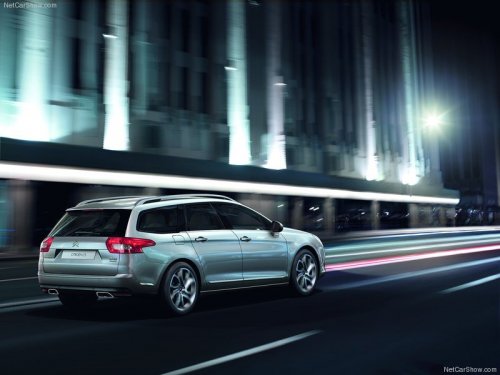
Citroen C5
Citroën C5 / Gallery / Citroen C5
Citroen C5
See also:
General menu
Press the "MENU" button to gain
access to the general menu :
- audio functions,
- the trip computer,
- personalisation-confi guration,
- telephone (hands-free kit).
Press the " ...
Displays on the screen
This displays the following information:
- time,
- date,
- ambient temperature (this fl ashes if
there is a risk of ice),
- status of the doors and boot,
- audio sources (radio, CD...),
- tri ...
Radio-CD
With the Audio system switched on, once
the "Radio-CD" menu has been selected
you can activate or deactivate the functions
linked with use of the radio (RDS,
REG), or the CD (introscan, ...